Overview
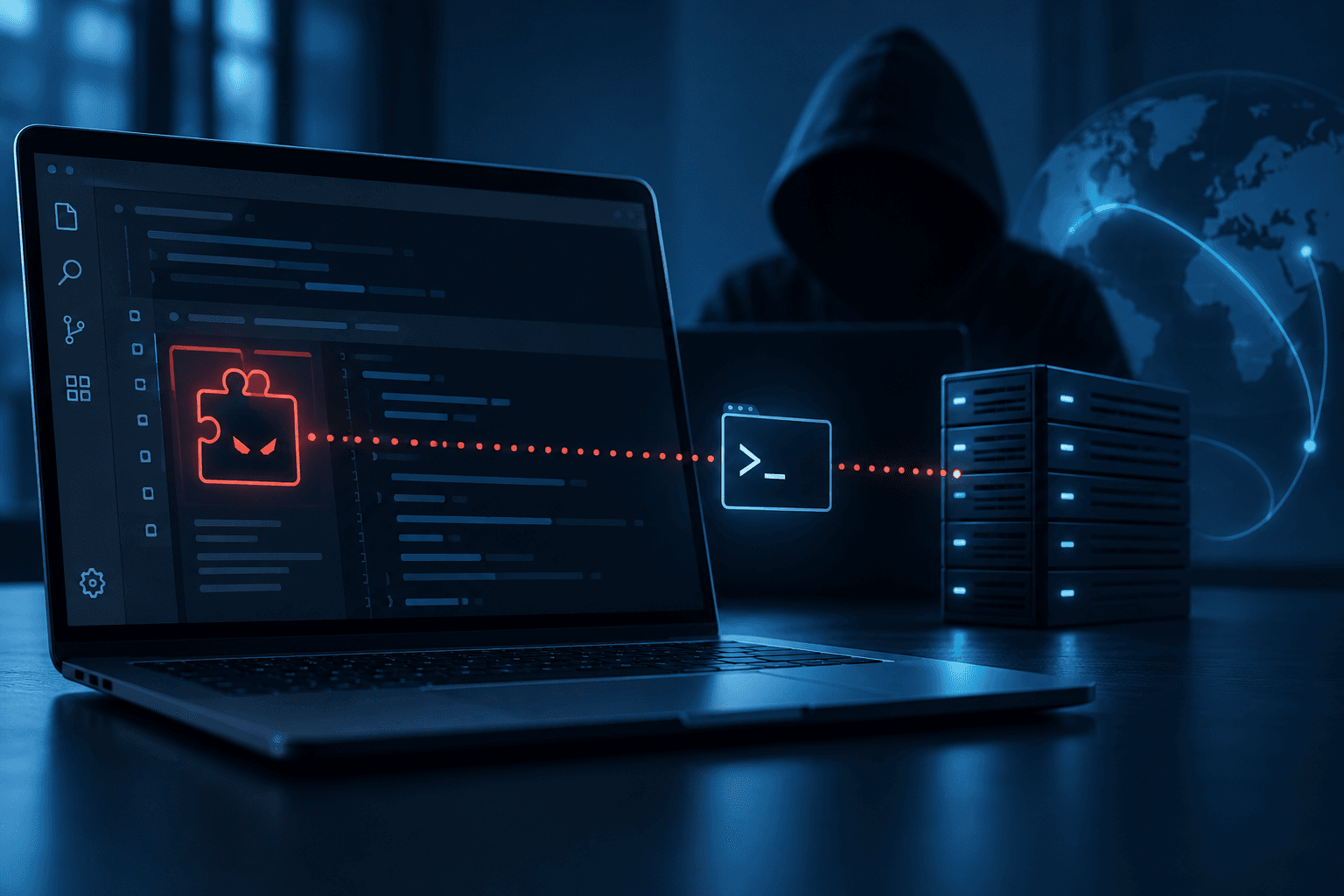
The discovery of a malicious Claude Code-branded extension has raised significant security concerns due to its persistent SSH backdoor capabilities. This extension, found in the Cursor marketplace, attempted a supply-chain attack by embedding a loader that could establish unauthorized SSH access and persistence on affected systems. Understanding the risks and implementing mitigation strategies is crucial for organizations using AI tools.
Evidence and limitations
The primary evidence comes from Microsoft Security, which analyzed the injected JavaScript in the malicious extension. The loader collected host information, modified files, and executed commands to establish SSH access. It used embedded SSH keys for authorization and reverse SSH tunneling to maintain persistent access. The incident was limited to the Cursor marketplace, and neither Microsoft Visual Studio Marketplace nor npm were affected.
What teams should check
Host Reconnaissance and SSH Access
Organizations should verify whether the malicious extension was installed and identify any unauthorized SSH keys. This is crucial to prevent unauthorized access.
- Vendor Questions: Ask if the vendor has identified all affected systems and removed unauthorized SSH keys.
- Documentation: Request logs showing SSH key additions and any unauthorized access attempts.
- Red Flags: Presence of
svc-telemetryin SSH authorized keys.
Reverse SSH Tunneling
The extension attempted to create reverse SSH tunnels, which could allow attackers to bypass network security controls.
- Vendor Questions: Inquire about measures to detect and block unauthorized SSH tunnels.
- Documentation: Look for network logs indicating reverse SSH connections.
- Red Flags: Unexplained outbound connections to suspicious IPs.
Platform-Specific Persistence
The loader used platform-specific scripts to maintain persistence, which could lead to ongoing unauthorized access.
- Vendor Questions: Have persistence mechanisms been identified and removed?
- Documentation: Evidence of removed startup scripts and configuration files.
- Red Flags: Presence of suspicious startup entries like
com.apple.sysmond.plist.
Mitigation and Protection
Implementing immediate actions and remediation steps is vital to securing affected systems.
- Vendor Questions: What immediate actions have been taken to mitigate the threat?
- Documentation: Proof of executed remediation actions and system recovery.
- Red Flags: Incomplete removal of malicious artifacts.
Practical next steps
- Define Use Case and Risk Exposure: Assess how the extension fits into your AI tool usage and potential risks.
- Request Vendor Documentation: Obtain detailed reports on the incident and remediation steps.
- Review Security Controls: Ensure robust SSH access controls and monitoring are in place.
- Test Documented Capabilities: Verify that all malicious artifacts have been removed and systems are secure.
- Record Unresolved Questions: Document any uncertainties for further investigation.
- Determine Additional Safeguards: Consider additional security measures or expert reviews if necessary.
By following these steps, organizations can better protect themselves against similar threats and ensure their AI tools are securely managed.